Image

Forgot your Pin?
To update your PIN, login on Foxwoods.com. Updating your PIN cannot be done through the mobile app.
• Under Account, Select Manage Rewards
• Click Change PIN
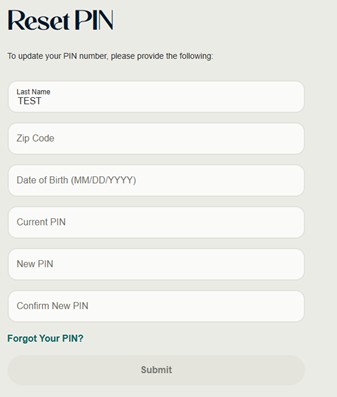
• Click Change Pin to be brought to the Reset PIN page if PIN is known.
• To Reset, complete the information listed and then submit
• If you do not know, click Forgot PIN?
• Enter Card Number and then hit Update
Image